Make the scope visible immediately
Customers often read a notification’s subject and first line before deciding whether to open it. If those say “your order is complete,” a later paragraph explaining unfinished work may be missed. Put the partial nature of the release in the main message.
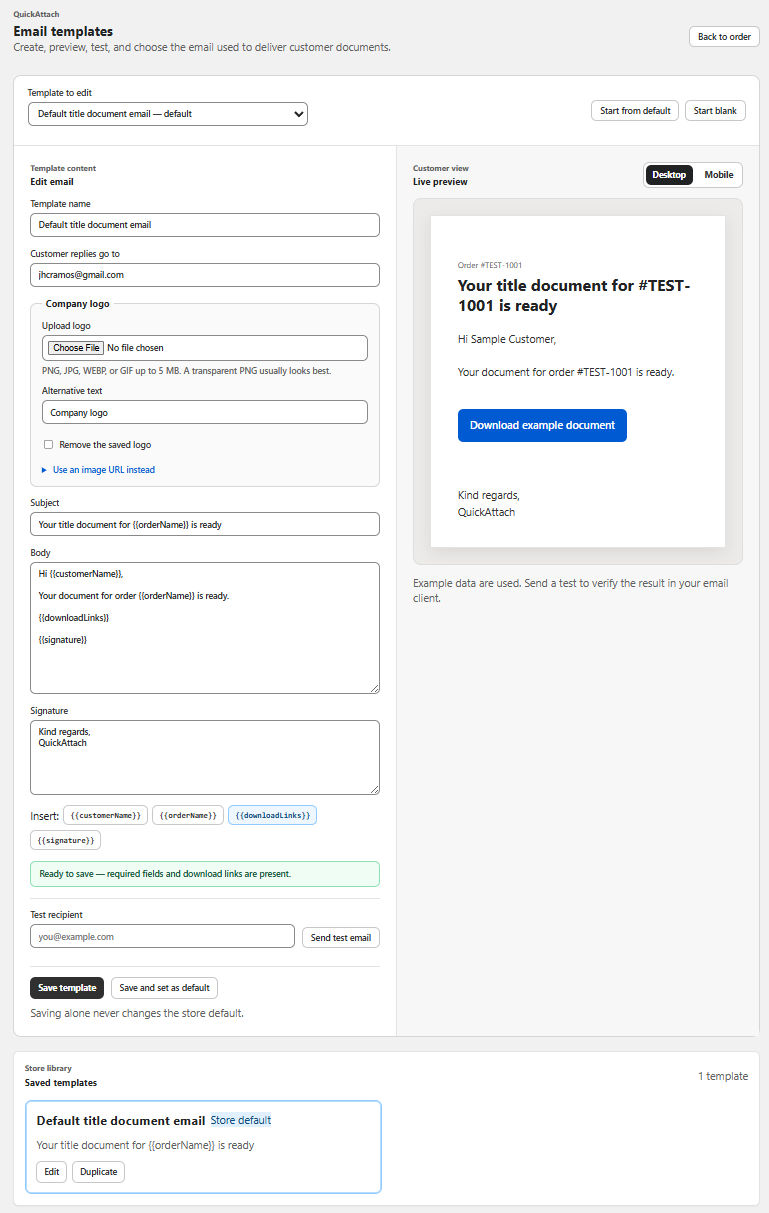
QuickAttach documents partial and full delivery. The email wording should follow the actual selection. Partial delivery is not merely a full-delivery template with one link removed.
A fictional two-item message
Subject: Your seating diagram is ready — labels to follow
The seating diagram from order 4403 is ready to download. Your table-label sheet is still being prepared.
Download the seating diagram
We expect to send the label sheet by Tuesday, 20 October. You do not need to do anything else while we finish it. We will send another delivery message when that file is ready.
If you need help opening the diagram, contact our store support with your order reference.
The date and order are fictional. Only include a delivery estimate after checking the current queue. If the remaining work is waiting on customer information, replace “you do not need to do anything” with the precise request.
Use a ready/pending message map
| Part of message | Must agree with |
|---|---|
| Subject and heading | The item actually released |
| Download action | The selected file or supported download destination |
| Pending section | The current production record |
| Next date | A realistic assigned commitment |
| Completion wording | The status of the whole purchased scope |
For more than two items, a short list can be easier to scan than a long paragraph. Label the groups “Ready now” and “Still being prepared” in plain text. Do not rely on green and gray colors alone to convey the distinction.
Check the second message before the first goes live
Use a synthetic order to inspect what happens when the remaining item is delivered later. Does the next message show only the new file or a broader download destination? Does the returning customer see both files? Write the wording to fit observed behavior rather than assuming it.
The QuickAttach walkthrough provides the ordinary delivery flow; it does not remove the need to verify your template and selection. This article supplies a message pattern, not a completed test of a particular store.
Keep the pending item assigned in the production queue. A clear email helps the customer, but only a tracked next action ensures the second release is not forgotten.
Deliver the right file with the right order
See how QuickAttach connects a customer-specific file or link to a Shopify order item.
See the QuickAttach order-to-download walkthrough