The display name is a recognition cue
A delivery email may arrive days after checkout. The sender name should help the buyer connect it with the purchase before opening the message. A familiar store name usually provides more context than a staff member’s first name or a generic “Downloads” label.
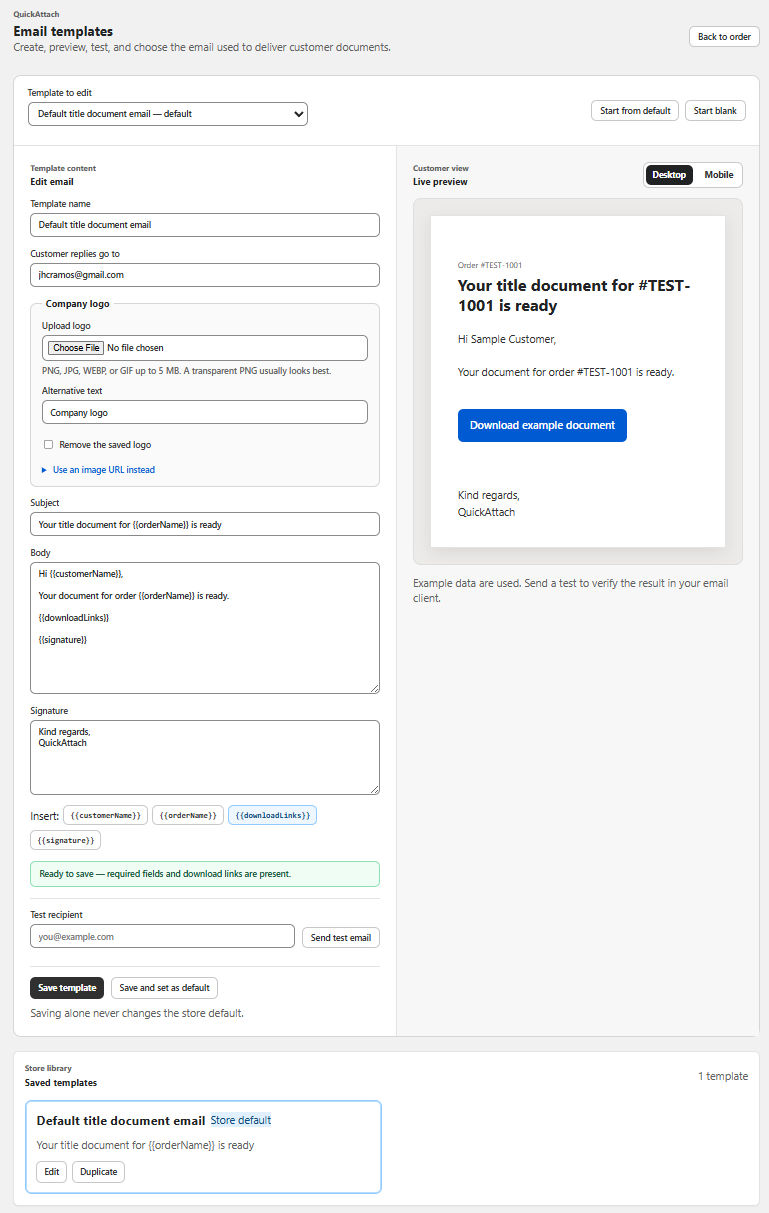
Visual recognition and technical email configuration are separate matters. A sender display name does not establish who controls the sending domain or how messages are authenticated. QuickAttach documents branded emails; inspect the current controls rather than assuming that this includes a custom sending domain.
A naming decision card
| Candidate | Strength | Possible problem |
|---|---|---|
| Cedar Desk Studio | Matches the fictional storefront | Long names may be shortened in an inbox |
| Cedar Desk Downloads | Adds delivery context | Must still match a recognizable brand |
| Alex | Personal tone | Buyer may not know the employee |
| Your Files | Describes the message type | Does not identify the store |
Choose a name that remains meaningful if an inbox displays only its beginning. Avoid putting the recognizable store name after a long departmental phrase.
Fictional example: a studio with two staff members
Cedar Desk Studio has one person producing plans and another sending files. If each operator uses a different personal sender identity, buyers may see unrelated names for the same store. The studio chooses a consistent store-based display name wherever its configured delivery tool supports one, while placing any personal sign-off inside the message.
The team also checks the reply route. A friendly sender label should not imply that replying reaches the named person unless that is actually how the mailbox is handled.
Test recognition in context
- Send a synthetic delivery message through the normal workflow.
- Inspect the inbox row on a desktop and phone.
- Check the visible sender name alongside the subject and preview text.
- Open the message and inspect the displayed address and reply behavior available to the recipient.
- Ask a colleague to identify the store without seeing the email body.
This is a recognition exercise, not a deliverability or domain-authentication audit. It cannot guarantee inbox placement. The QuickAttach walkthrough shows the role of the branded delivery email; support can clarify which identity controls are available.
Keep the chosen name in your email specification so partial deliveries, revisions, and routine sends remain recognizable as messages from the same business.
Deliver the right file with the right order
See how QuickAttach connects a customer-specific file or link to a Shopify order item.
See the QuickAttach order-to-download walkthrough